Phos
Phos is a standalone astronomy image denoising tool that was made with 🥨 in Alsace, France.
It can be used with Siril using a python script that can be installed from Phos.
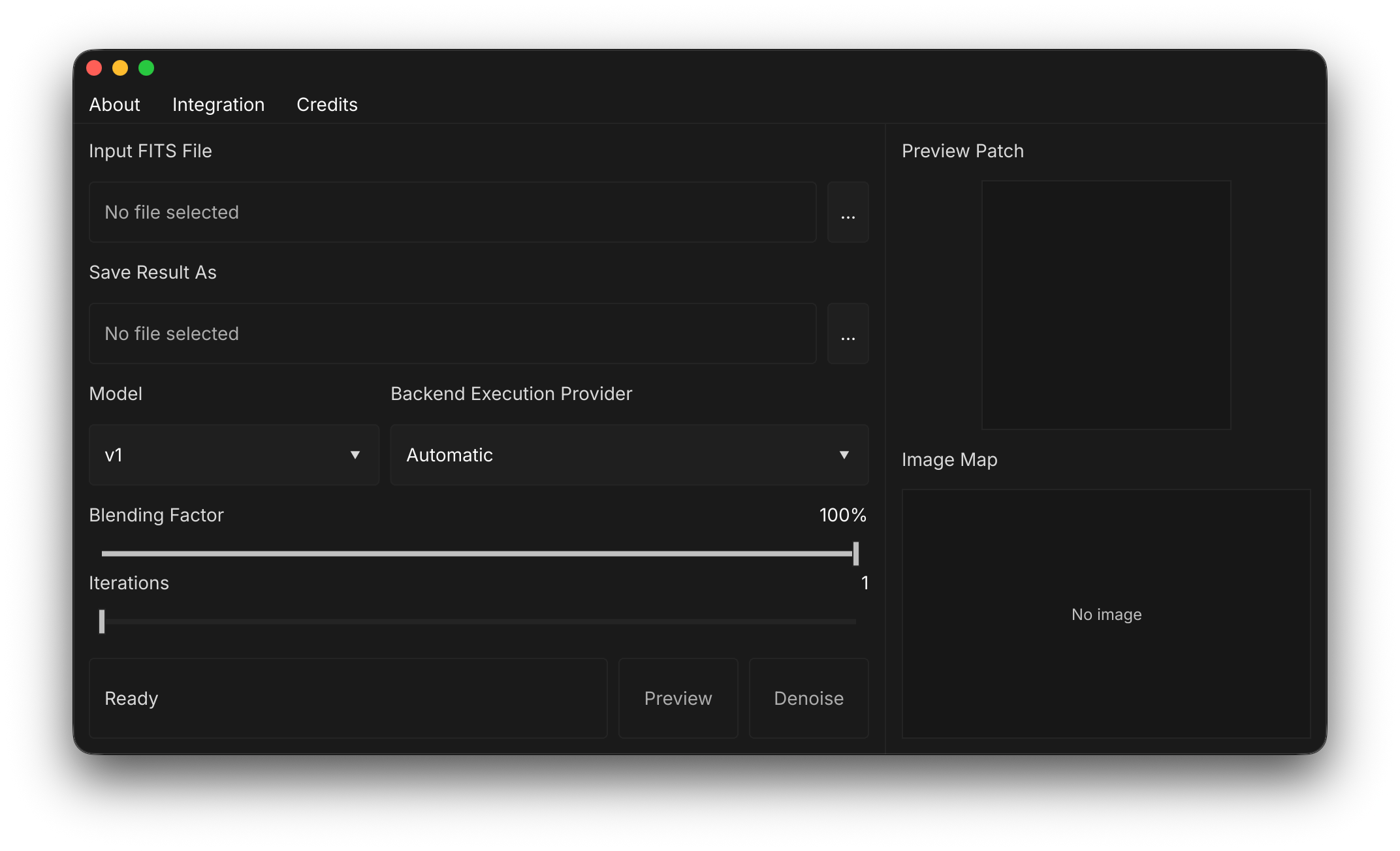
Download
Phos is unsigned, so macOS and Windows may warn you on first launch. Code-signing certificates are a recurring cost the project can't cover yet. macOS: System Settings → Privacy & Security → Open Anyway. Windows: More info → Run anyway.
[ Checksums ]
435562293be1a76fd8d36b9d4e25c899c2e5f1b20c84302c45362161395fb380b073a3d3fd3232f54f9be12ec147bcc0e9c55680da82563529dcd01ddc0c69ad3c358bc33c425d97f1f05aef0150cb59a55e64068b3bcdba953288aa94913dcdPhos is free to use: no account, no license key, no paywall.
If it saves you time under the stars, you can support its development.
Why Phos
Phos started as a fun personal project: a free denoiser that was fast enough to use on a normal laptop and good enough for my own astrophotography. The tools that do this well are expensive, and for a student that price is hard to justify.
Phos stays deliberately simple: it reads FITS files, removes noise, and gives the result back. No account, no license key, no subscription. It runs standalone or through Siril, and it uses the hardware you already have.
Performance
Speed was one of the reasons I started developing Phos.
Tests use Phos α 26.10.0 (AI v1, blend factor 100%, 1 iteration) and GraXpert (AI denoise strength 1.0, hardware acceleration turned ON). Each cell shows Phos / GraXpert. Faster by is GraXpert divided by Phos, shown as a lower bound where Phos finished under one second.
| System | Phos backend | Triplet du dragon | NGC 6888 | C/2022 E3 (ZTF) | Faster by |
|---|---|---|---|---|---|
| MacBook Air M2 · 16 GBunplugged | WebGPU | 6.2s / 6m44s | 6.2s / 6m58s | 7.0s / 7m24s | 63–67× |
| Ryzen 9600X + RTX 5070 · 32 GBWindows 26H2 | DirectML | <1s / 21s | <1s / 20s | <1s / 22s | ≥20× |
| Ryzen 9600X · CPU onlysame Windows machine | CPU | 7.8s / 21s | 8.6s / 20s | 9.0s / 22s | 2.3–2.7× |
| HP 245 G8 · AMD 3050U · 10 GBWindows 25H2 | CPU | 40s / 24m20s | 39s / 25m36s | 48s / 25m47s | 32–39× |
GraXpert fell back to the CPU on the HP laptop because of a DirectML error. On the Ryzen machine, the CPU row shows Phos running without GPU acceleration while GraXpert still used the RTX 5070.
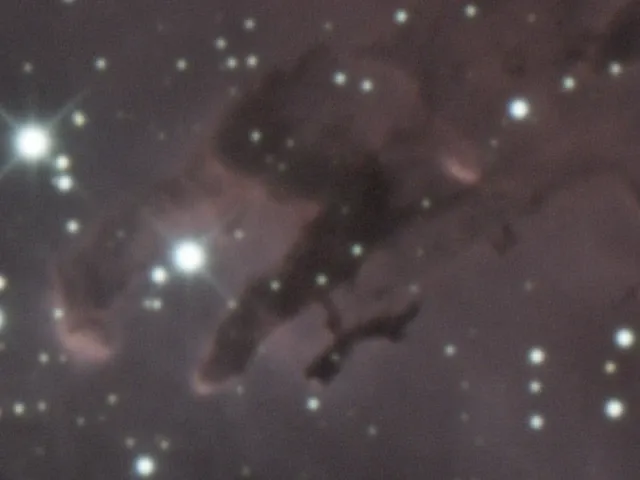
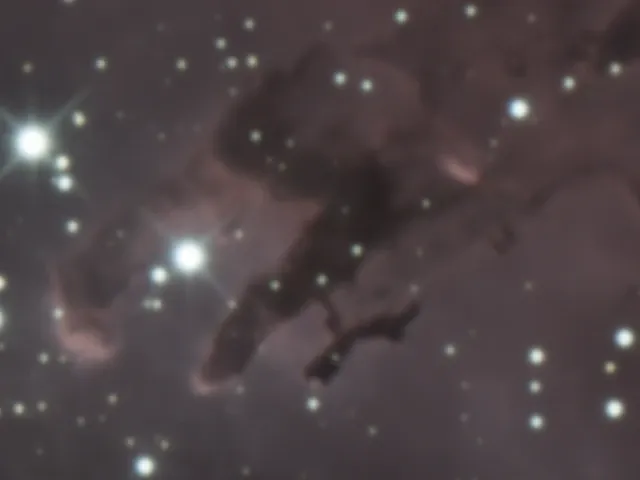
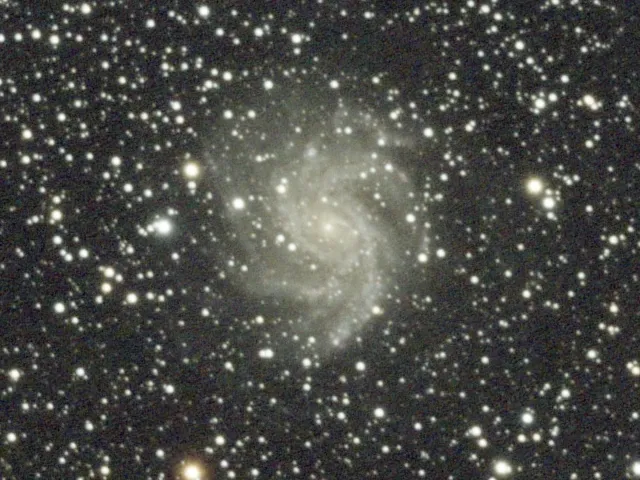
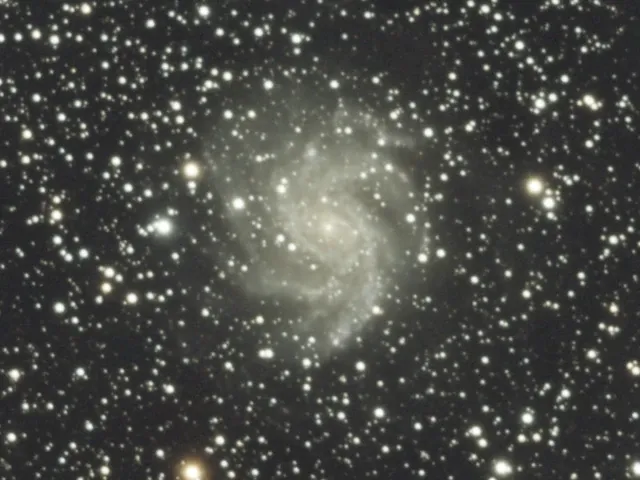
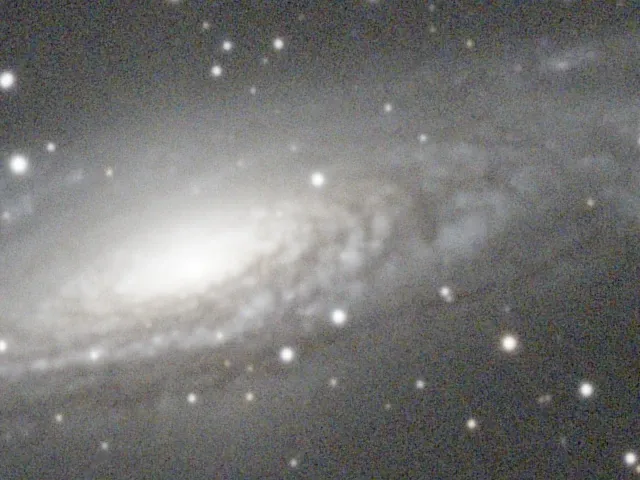
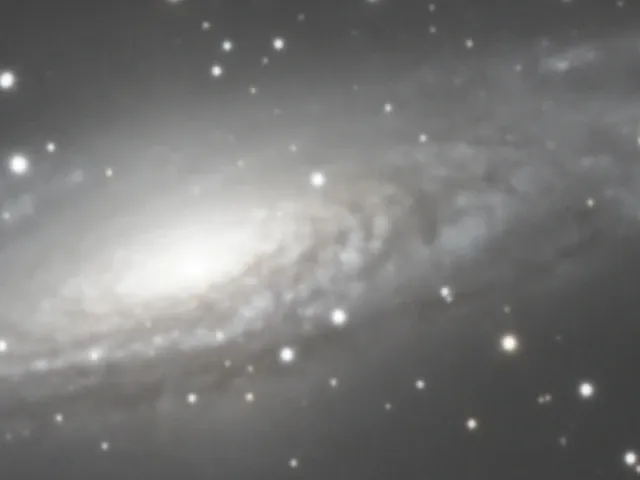
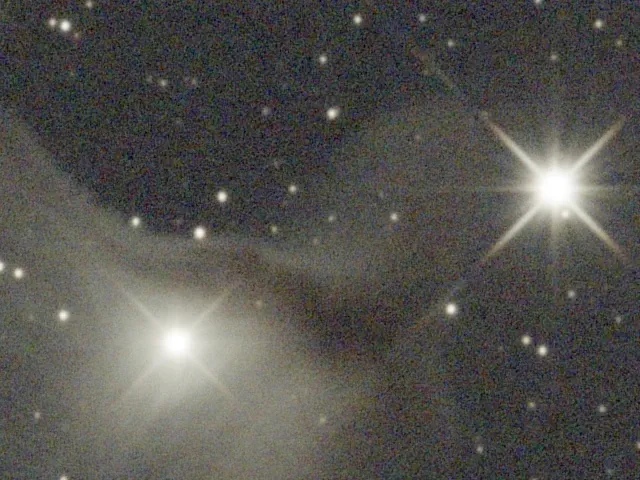
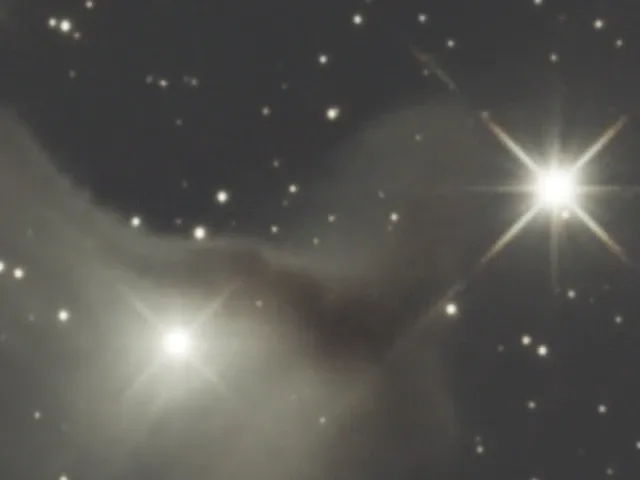
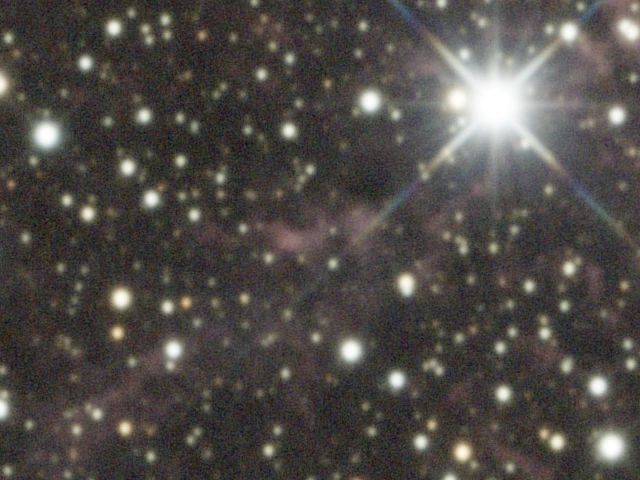
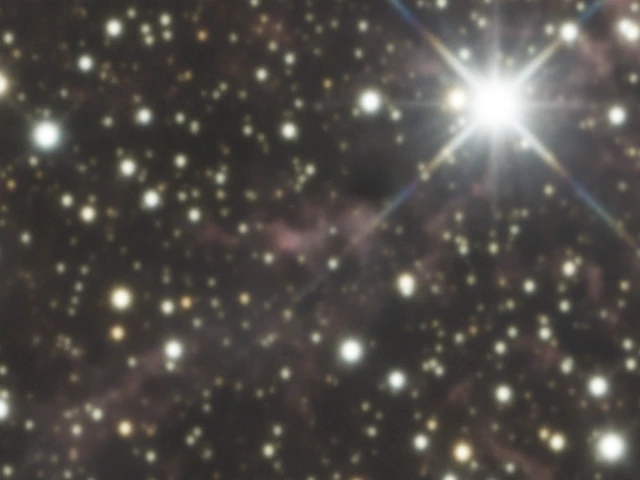
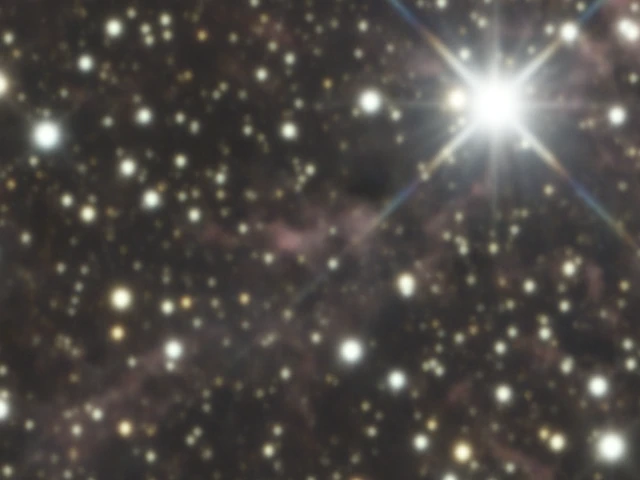
The images below are a 100% center crop of NGC 6888:
How to use
Run Phos on your image after background extraction and color calibration, and preferably before stretching.
No data yet? [ Download a sample NGC 7331 FITS ] (71 MB).
Siril integration
Phos works standalone, but the Siril integration adds it directly to Siril’s scripts menu. The script is not in the official Siril repository yet, so it must be installed manually from Phos:
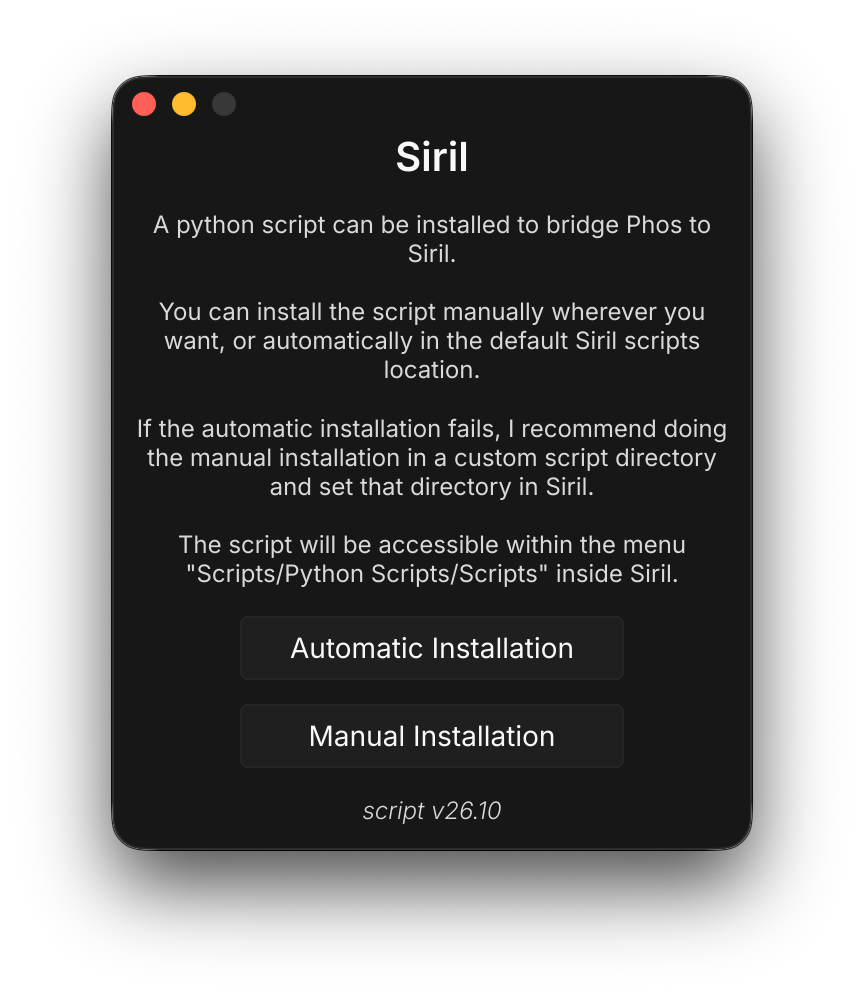
- Open the integration window in Phos and click the install button.
- The script is installed to:
- macOS / Linux:
~/.siril/scripts/ - Windows:
%APPDATA%\siril\scripts\
- macOS / Linux:
- Restart Siril, then run the Phos script from Siril’s scripts menu.
If you move or reinstall Phos somewhere else, reinstall the script from the app so Siril uses the new path.
Notes
- Phos only reads FITS files (no XISF).
- It runs standalone or directly inside Siril. PixInsight is not supported.
- Found a bug? Write to contact@baldursastro.org.
Examples